Your new Second Brain, 5 new skills
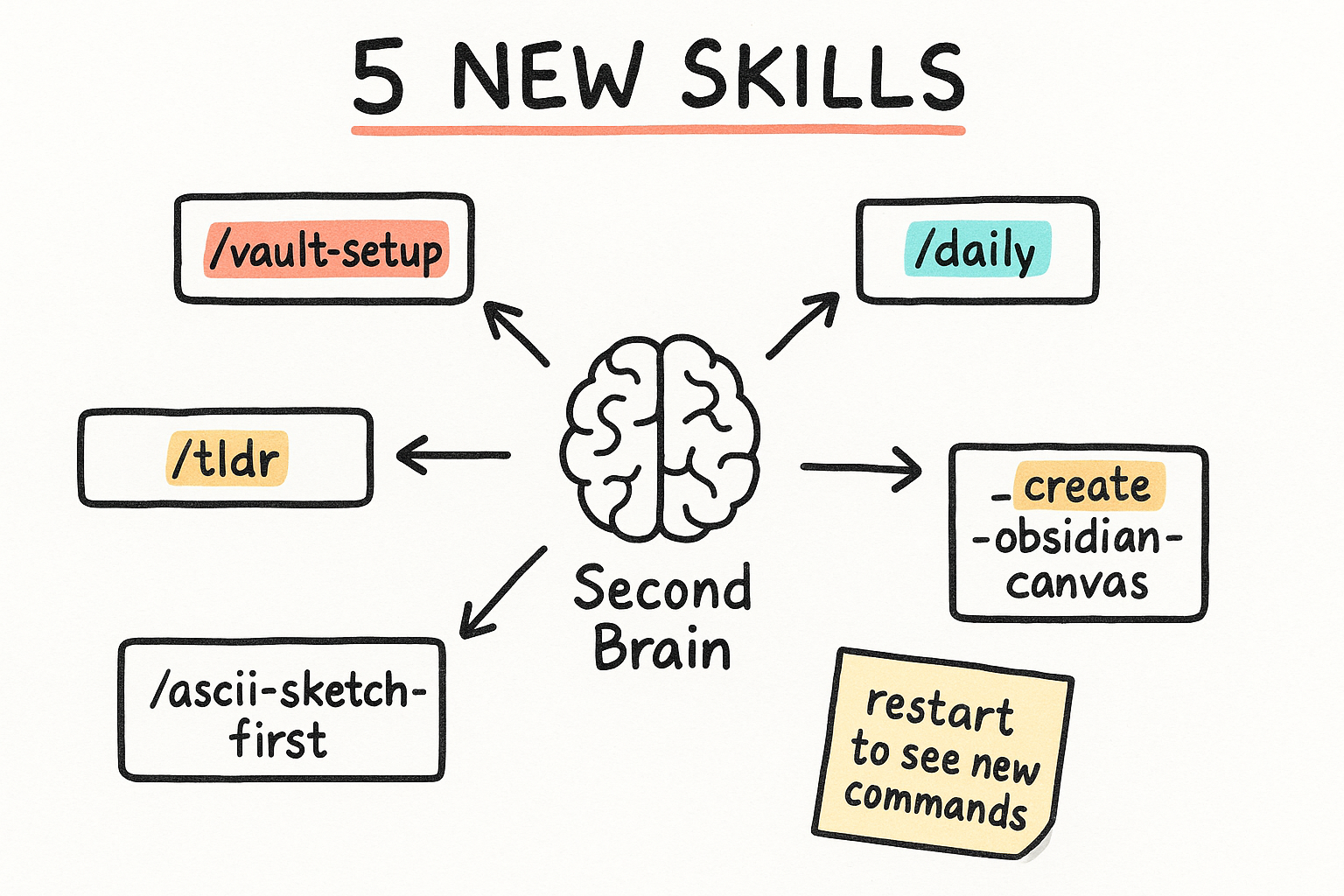
Five Claude Code skills landed in C:\Users\mikem\.claude\skills\. Together they turn Claude Code into a daily driver for your Obsidian vault: setting it up, checking in every morning, saving what matters, sketching before building, and drawing visual boards. New slash commands show up after you restart your Claude session.
- /vault-setup — interviews you, builds a personalized vault (Mark Kashef method).
- /daily — morning check-in: today's note, inbox, top 3 priorities.
- /tldr — saves the current conversation to the right vault folder + updates memory.md.
- /ascii-sketch-first — sketches the layout before any UI/dashboard/deck/schema gets built.
- /create-obsidian-canvas — generates visual canvas boards: infographic, flowchart, map, timeline.
The vault got revived, not rebuilt
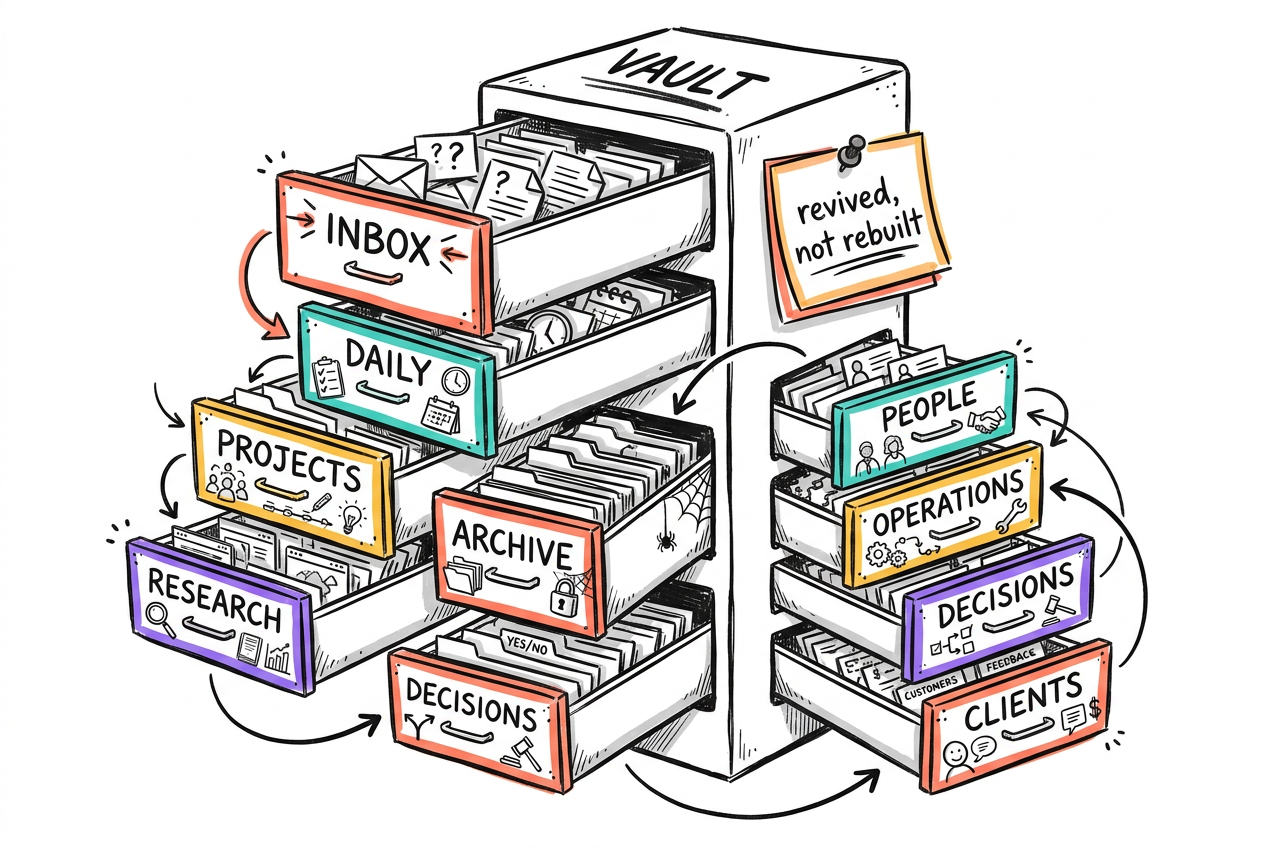
Your existing 'Early AI-dopters Mike Second Brain' vault at F:\Projects\VAULT\LIVE is the one these skills talk to. It was already there. Nobody scaffolded a second brain, per the one-brain rule. It just got dusted off and wired back up to a working file processor.
- Location: F:\Projects\VAULT\LIVE — the one and only vault.
- Folders: inbox, daily, projects, research, archive, people, operations, decisions, clients.
- Revived, not rebuilt — your existing notes and structure are intact.
The file processor was quietly broken
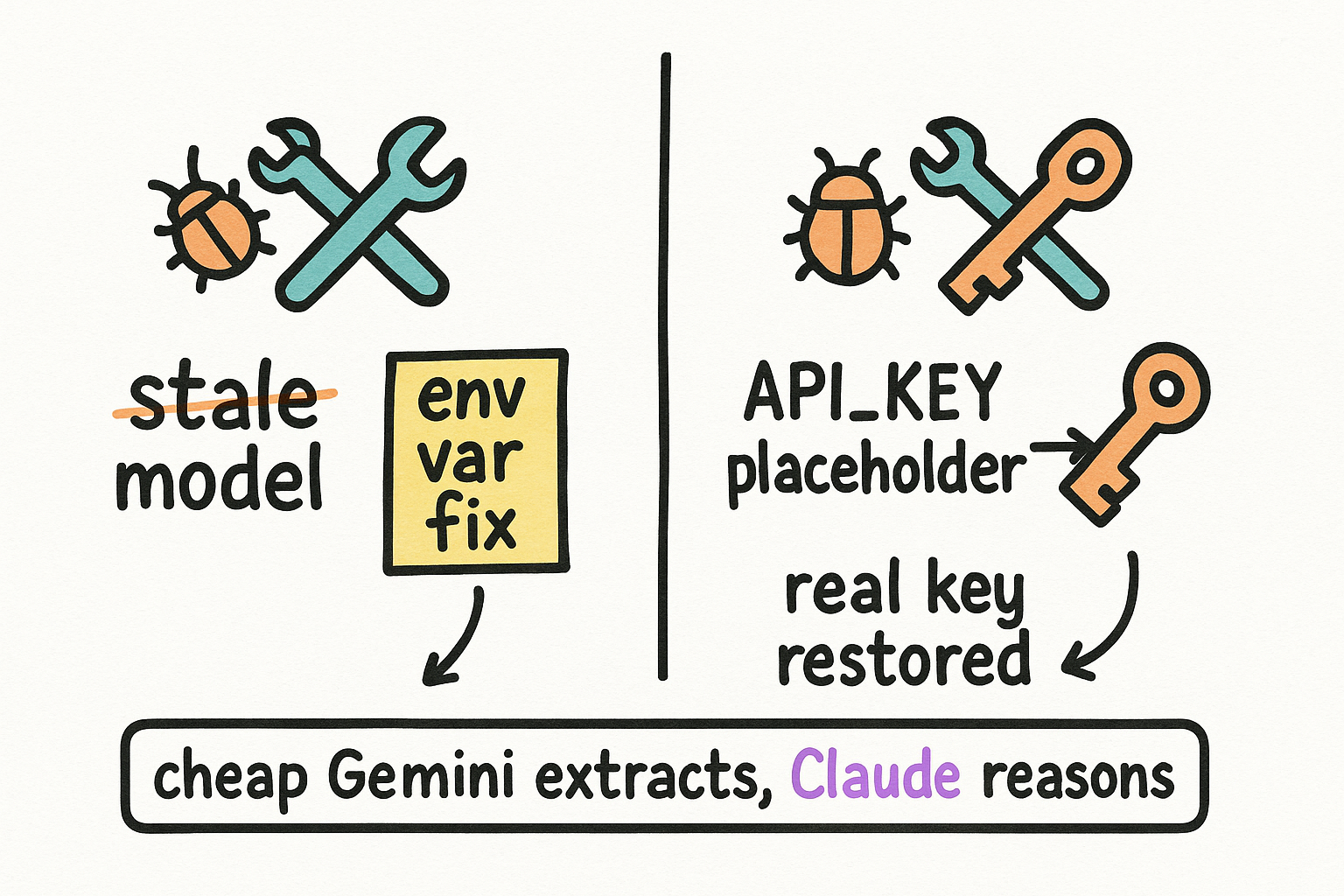
Two scripts turn your dumped files into vault-ready markdown: process_docs_to_obsidian.py and process_files_with_gemini.py. Both had bugs. First, a stale model pin (gemini-3-flash-preview) that no longer exists got replaced with an env var, SECOND_BRAIN_EXTRACT_MODEL, defaulting to the current cheap model, gemini-3.1-flash-lite. Second, a broken API_KEY placeholder got restored to read the real key, os.getenv("GOOGLE_API_KEY"). The design stays the same: cheap multimodal Gemini does the bulk file-to-markdown grunt work, Claude and Opus do the reasoning.
- Bug 1: stale model pin -> SECOND_BRAIN_EXTRACT_MODEL env var, defaults to gemini-3.1-flash-lite.
- Bug 2: broken API_KEY placeholder -> restored to os.getenv("GOOGLE_API_KEY").
- Cheap Gemini does bulk extraction. Claude/Opus does the thinking.
Sketch first, build second
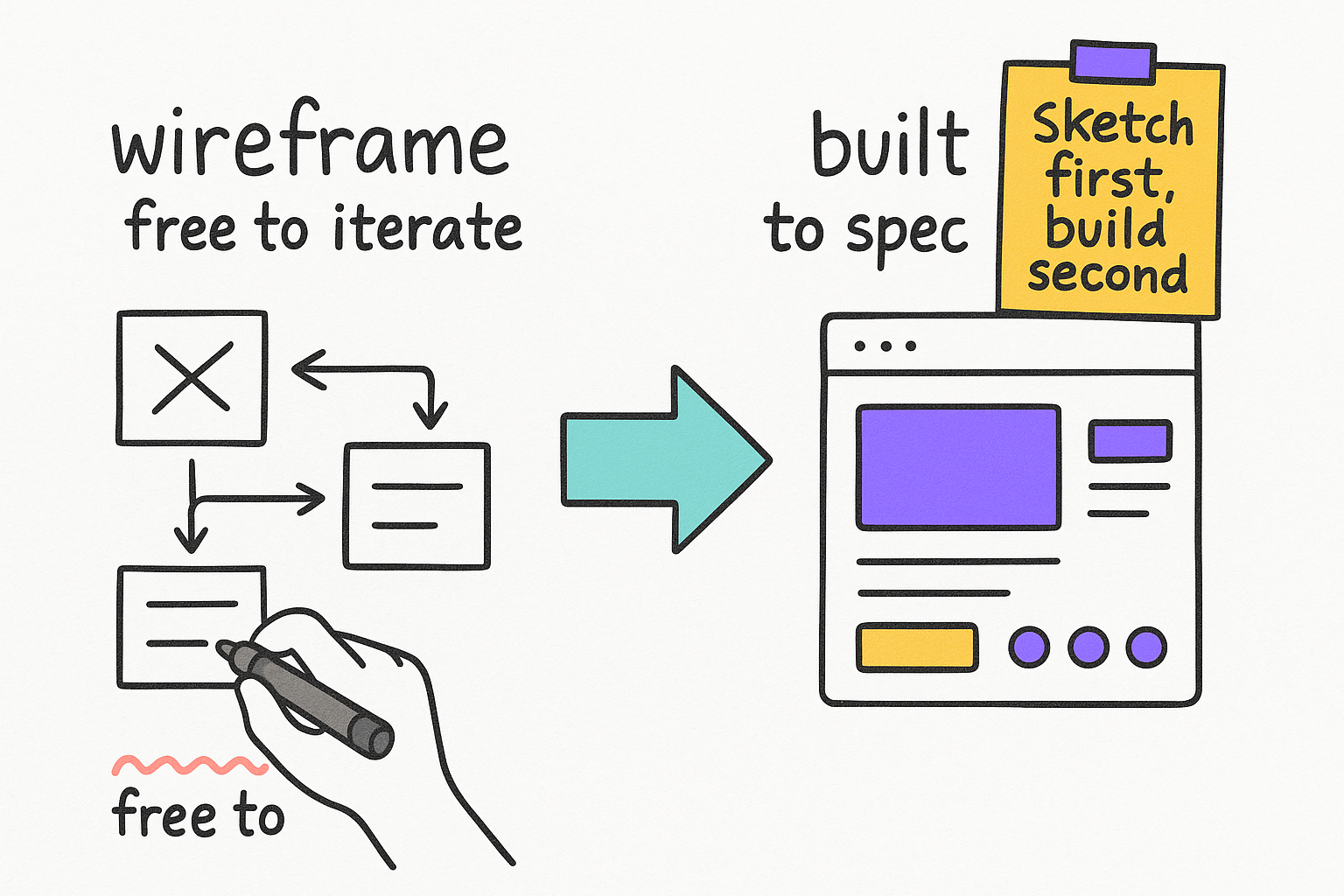
Before Claude builds any UI, dashboard, deck, or database schema, ask for an ASCII wireframe first. It costs nothing to iterate on a sketch made of boxes and arrows. Once the sketch is right, building to it as the exact spec means Claude gets the layout right on the first real try instead of guessing.
- ASCII wireframe first. Free to iterate, no code written yet.
- Approve the layout cheaply before a single component gets built.
- Then build to the wireframe as the exact spec.
Your new prompt library
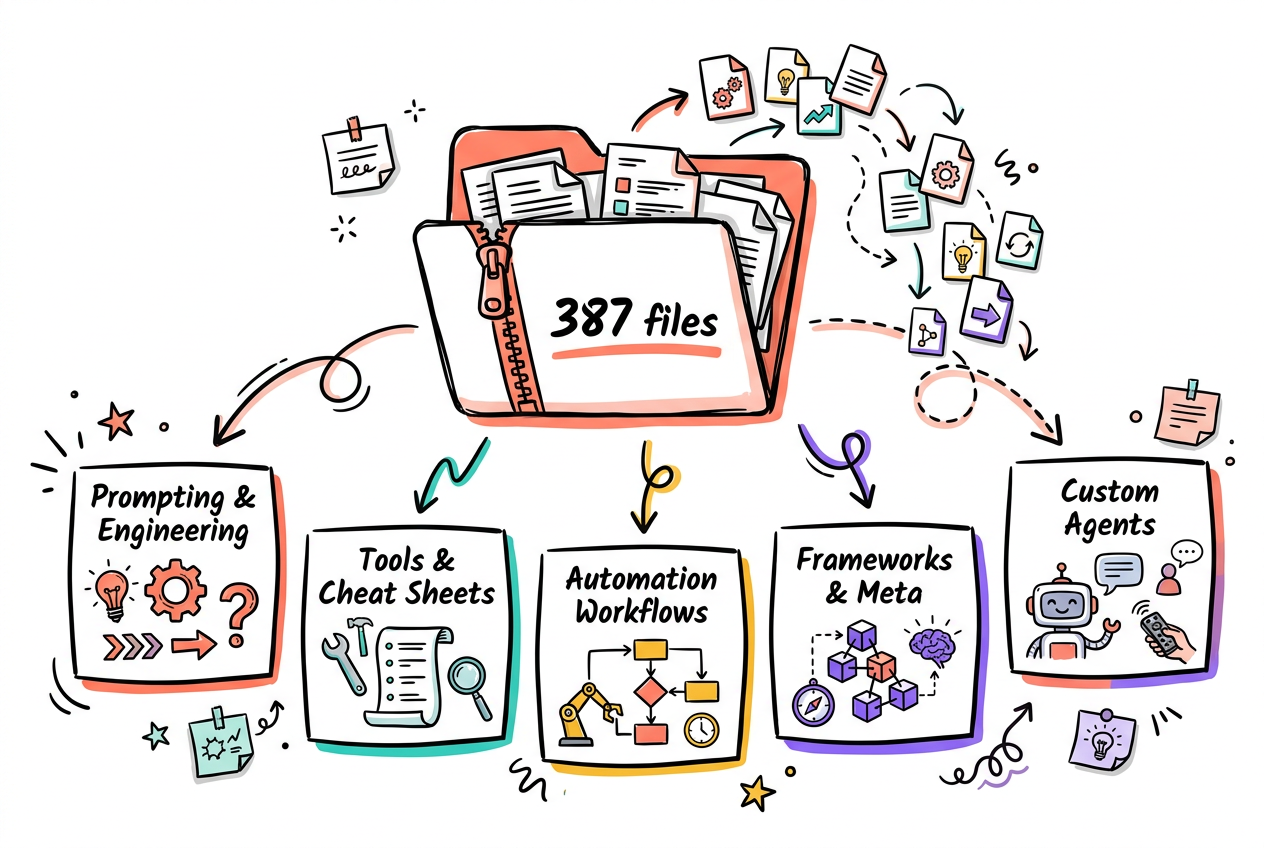
Mike now has Mark Kashef's full Early AI-dopters library sitting behind the vault: 387 files across Prompting & Engineering Skills, Tools/Cheat Sheets/Evals, Automation & Workflows (n8n), Frameworks & Meta Techniques, and Custom GPTs & AI Agents. This is where new installable prompts and skills come from going forward.
- Source: EarlyAIdopters_YouTube_Resources_AllAssets.zip, 405 MB.
- 5 categories, 387 files total.
- This is the well the 5 skills above were drawn from — more to come.
How to actually use this
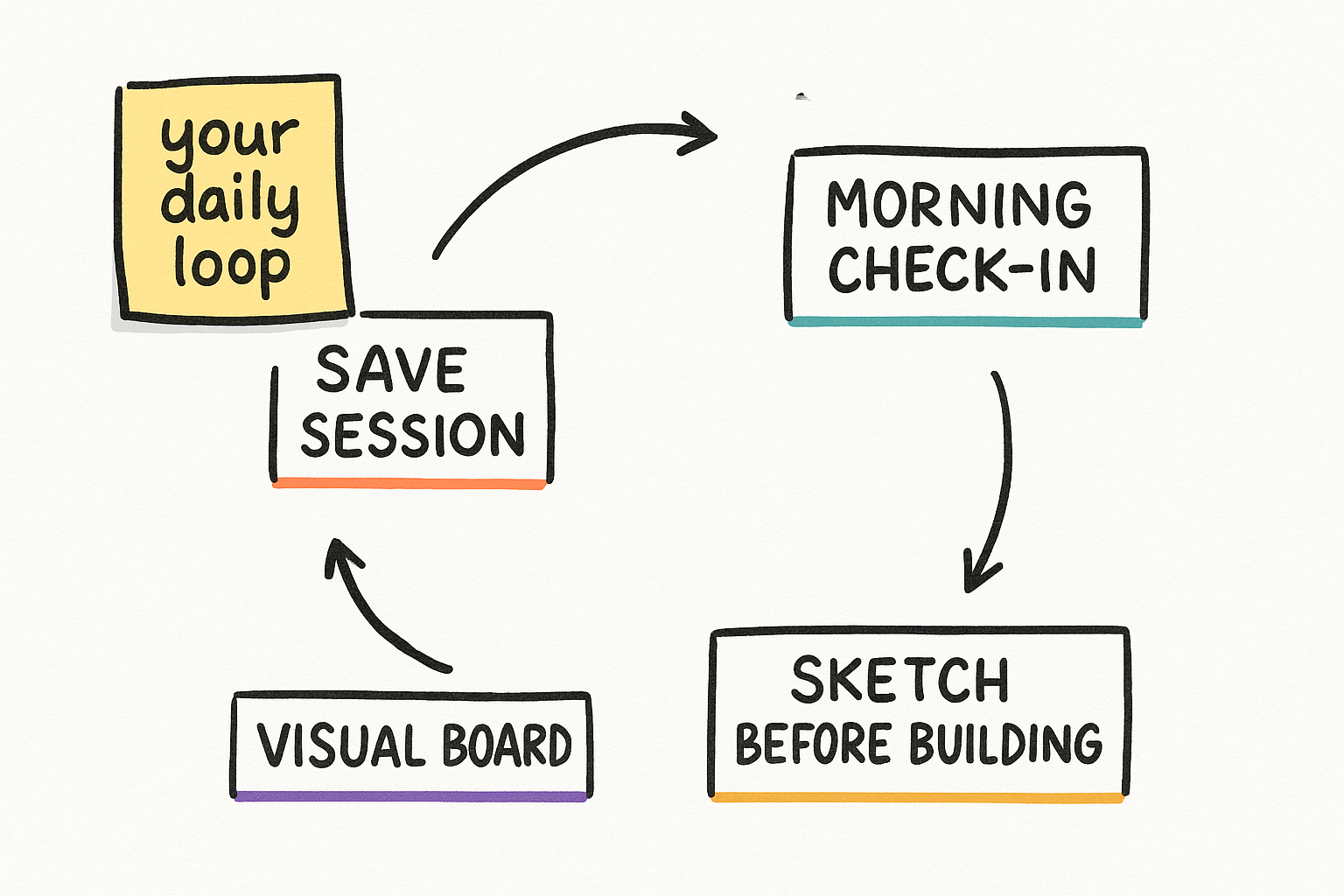
Five commands, five jobs. Run /daily every morning to get oriented. Run /tldr at the end of a good session so it isn't lost. Run /vault-setup once if you ever spin up a new vault. Run /ascii-sketch-first before any real build. Run /create-obsidian-canvas when you want a visual board instead of a wall of text.
- Morning: /daily
- End of a session worth keeping: /tldr
- New vault: /vault-setup
- Before any build: /ascii-sketch-first
/daily/tldr/ascii-sketch-first
(or just: "sketch this layout before you build it")set GOOGLE_API_KEY=your-key-here
# PowerShell:
$env:GOOGLE_API_KEY = "your-key-here"